Components
Free Shadcn UI Components
1019Shadcn Components: Go Beyond AI Defaults
ReUI is an open-source component library for the shadcn/ui ecosystem. Every component is built from shadcn primitives, styled with Tailwind CSS, and composed inside realistic dashboard layouts, not isolated component playgrounds. Browse 1019 copy-ready catalog components and drop them directly into your React or Next.js project.
The library covers standard shadcn/ui components such as Button, Badge, and Dialog, plus 17 in-house custom components including Data Grid, Kanban, Filters, File Upload, Sortable, Timeline, and Stepper that extend the ecosystem beyond base shadcn/ui. All in-house components ship in both Radix UI and Base UI flavors.
Use the sections below to explore popular components, understand standard versus in-house components, check Shadcn Create compatibility, and compare Radix UI and Base UI variants.
What are ReUI Components?
ReUI components are reusable UI solutions composed from shadcn/ui components into real-world use cases: dashboards, forms, data views, and product flows, not isolated playground demos. Each component follows the shadcn copy-and-own model: the source installs directly into your repository via the shadcn CLI (npx shadcn@latest add). You own the code, customize it with your Tailwind CSS tokens, and extend it without version conflicts or package lock-in.
The difference between a shadcn primitive and a composed catalog component is scope. A primitive such as Button renders a styled, accessible element. A composed component is: a Data Grid row with inline editing, a Filters panel that persists state to the URL via nuqs, or a Stepper wired to per-step react-hook-form validation. Catalog components show how primitives combine inside production layouts.
Popular Components
Each entry links to the full component page where you can browse layouts, copy source code, and review component API documentation.
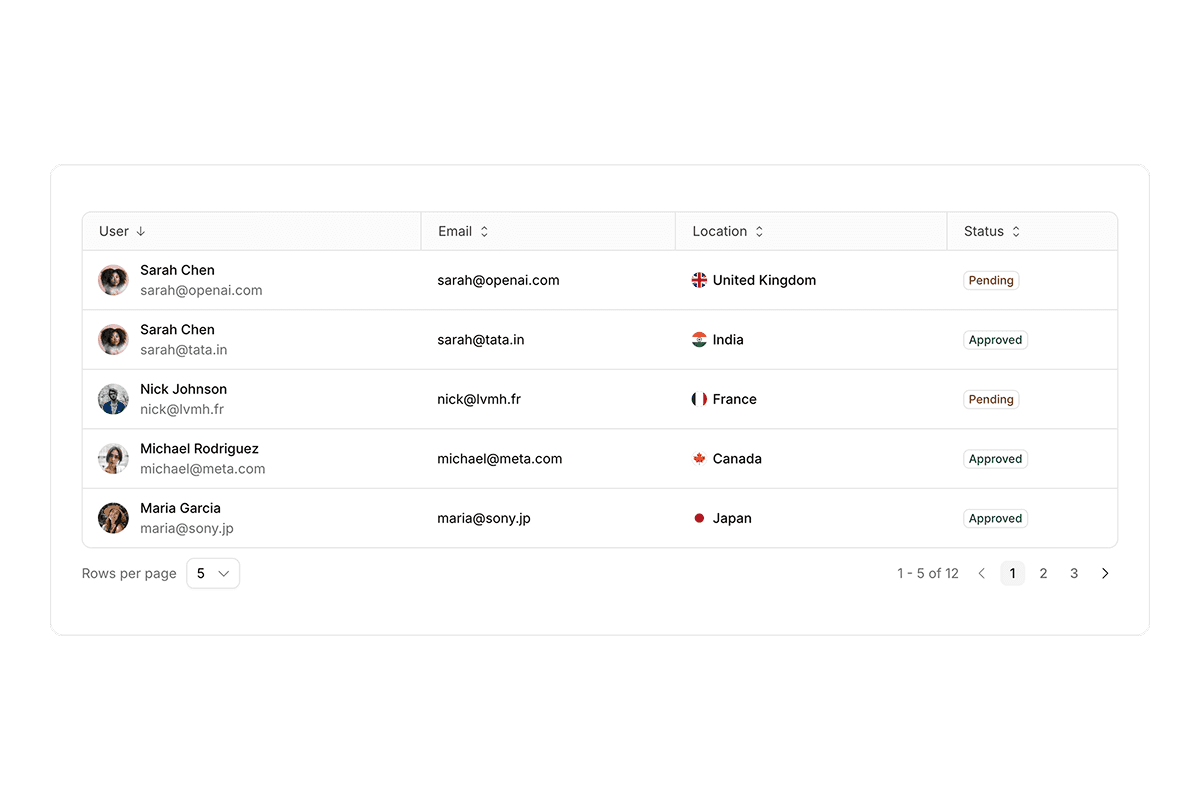
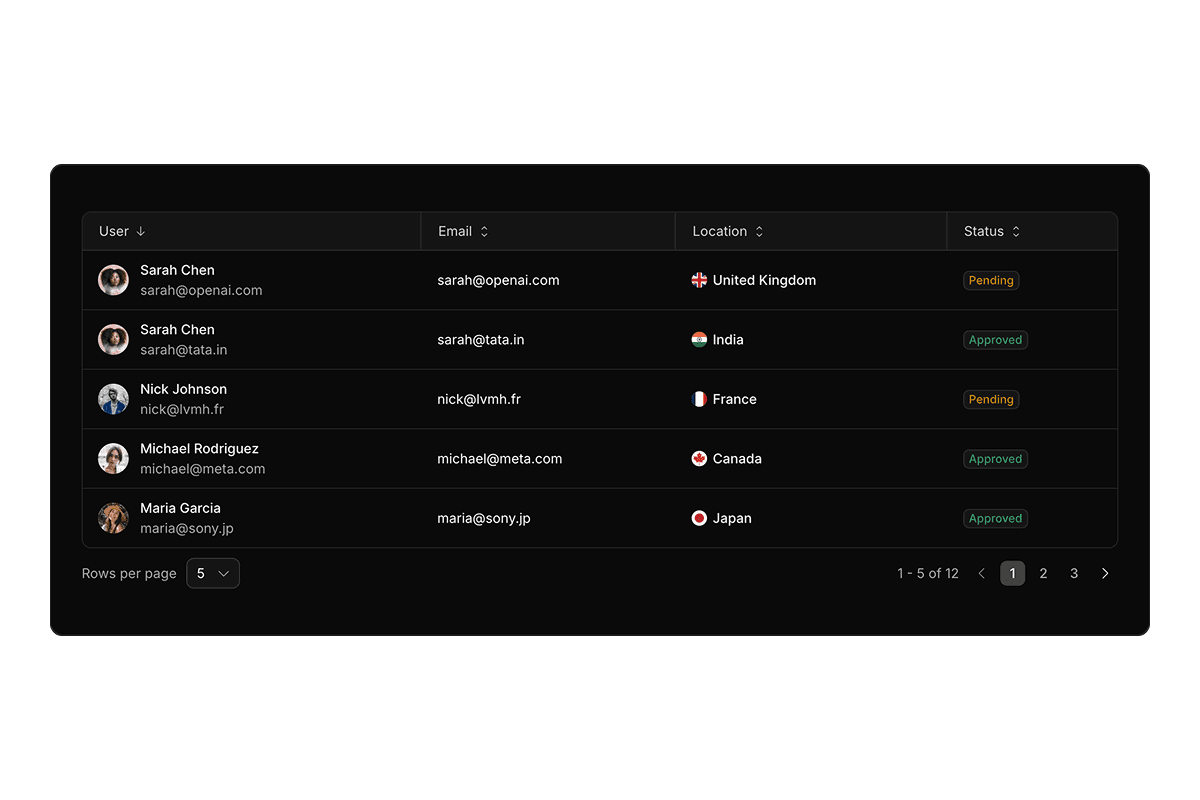
- Shadcn Data Grid@tanstack/react-table and @tanstack/react-virtual-powered tables with column pinning, row and column drag-and-drop via @dnd-kit/core, resizing, sorting, infinite scroll, and CRUD flows.
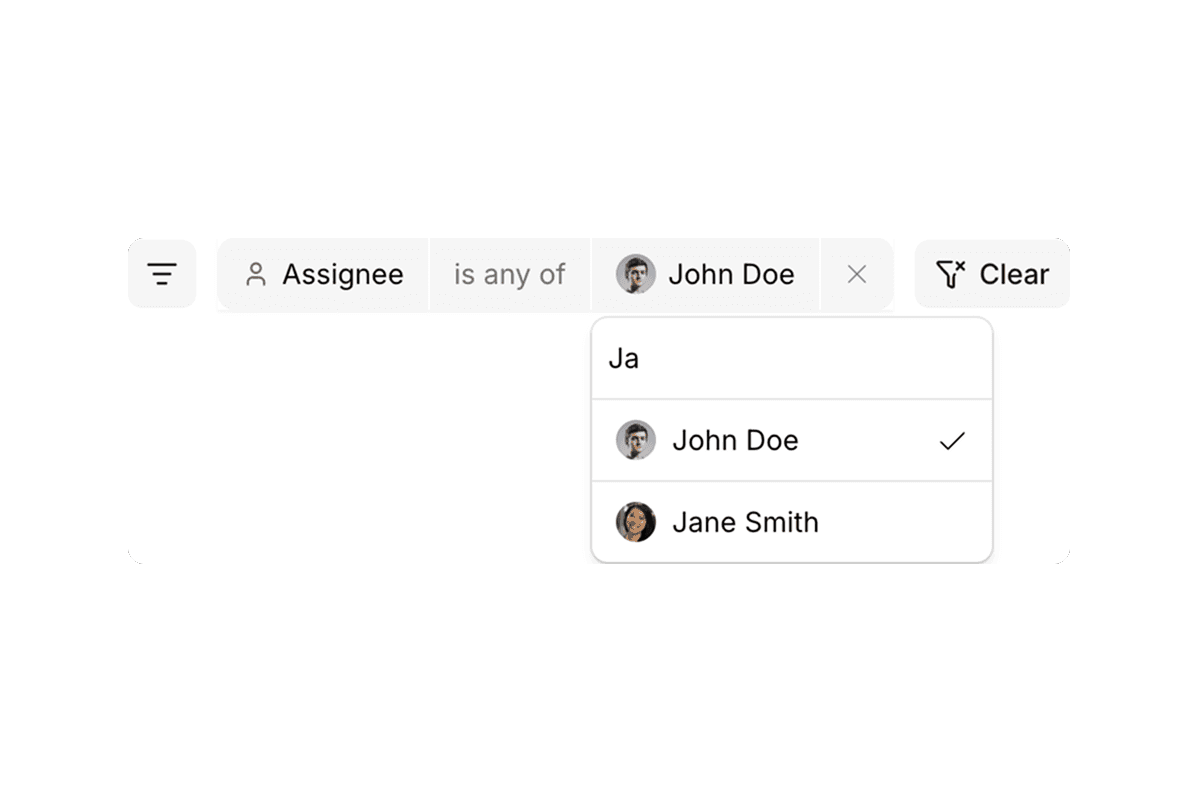
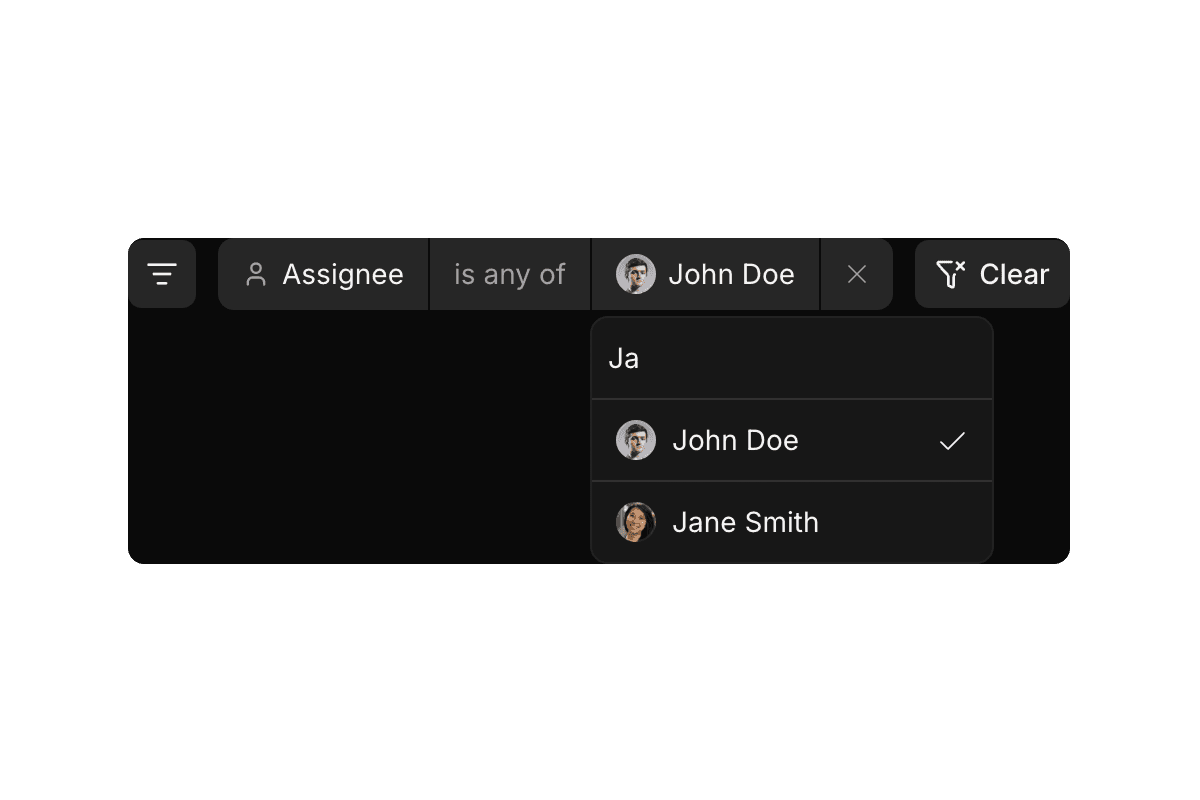
- Shadcn FiltersSchema-driven filter panels with URL state via nuqs, zod validation, and multi-field types: text, select, multi-select, date range, and boolean.
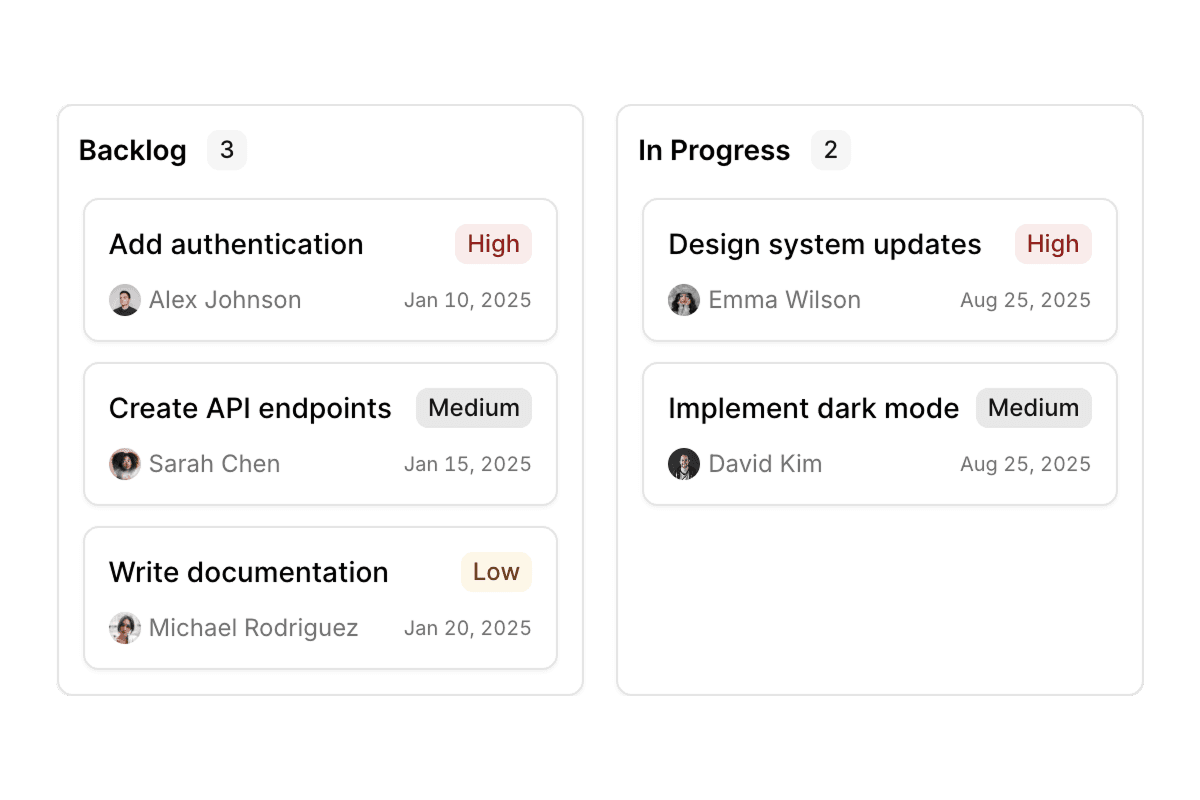
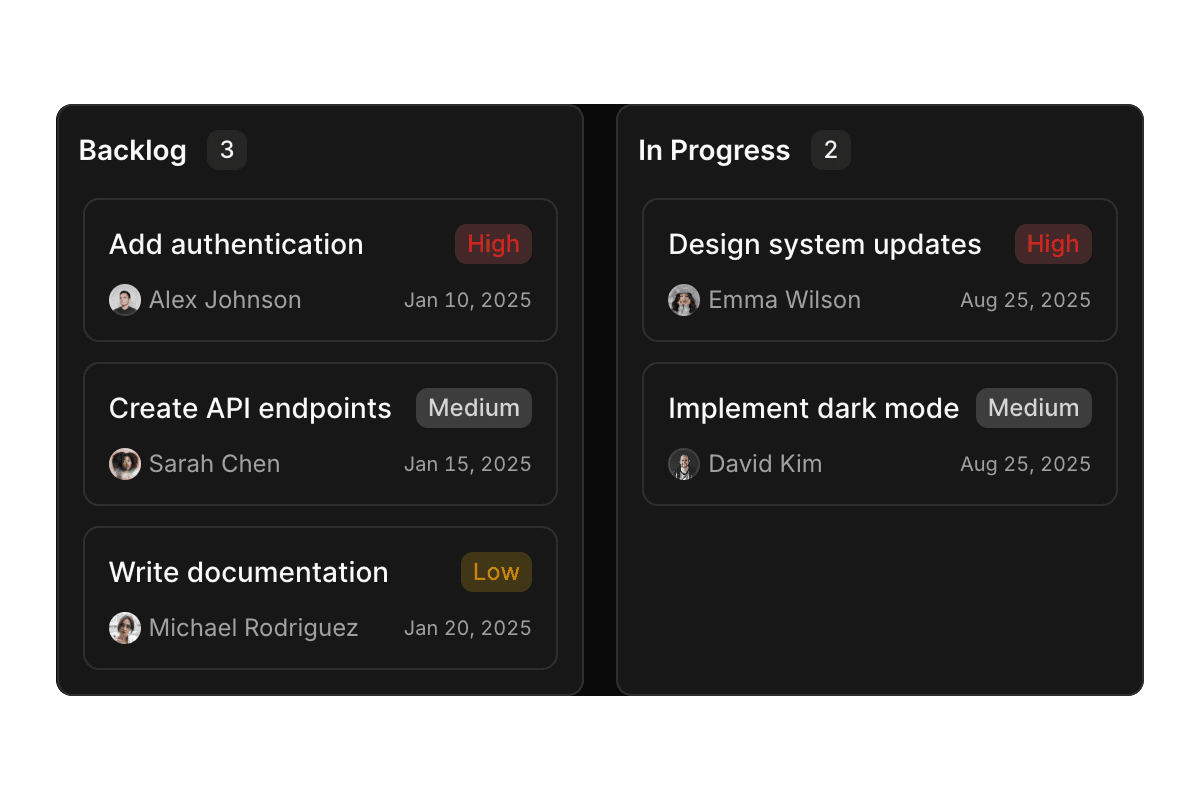
- Shadcn KanbanDrag-and-drop task boards using @dnd-kit/core and @dnd-kit/sortable with dynamic overlays and composable card content.
- Shadcn SortableVertical, grid, and nested list reordering with keyboard-accessible @dnd-kit/sortable drag overlays.
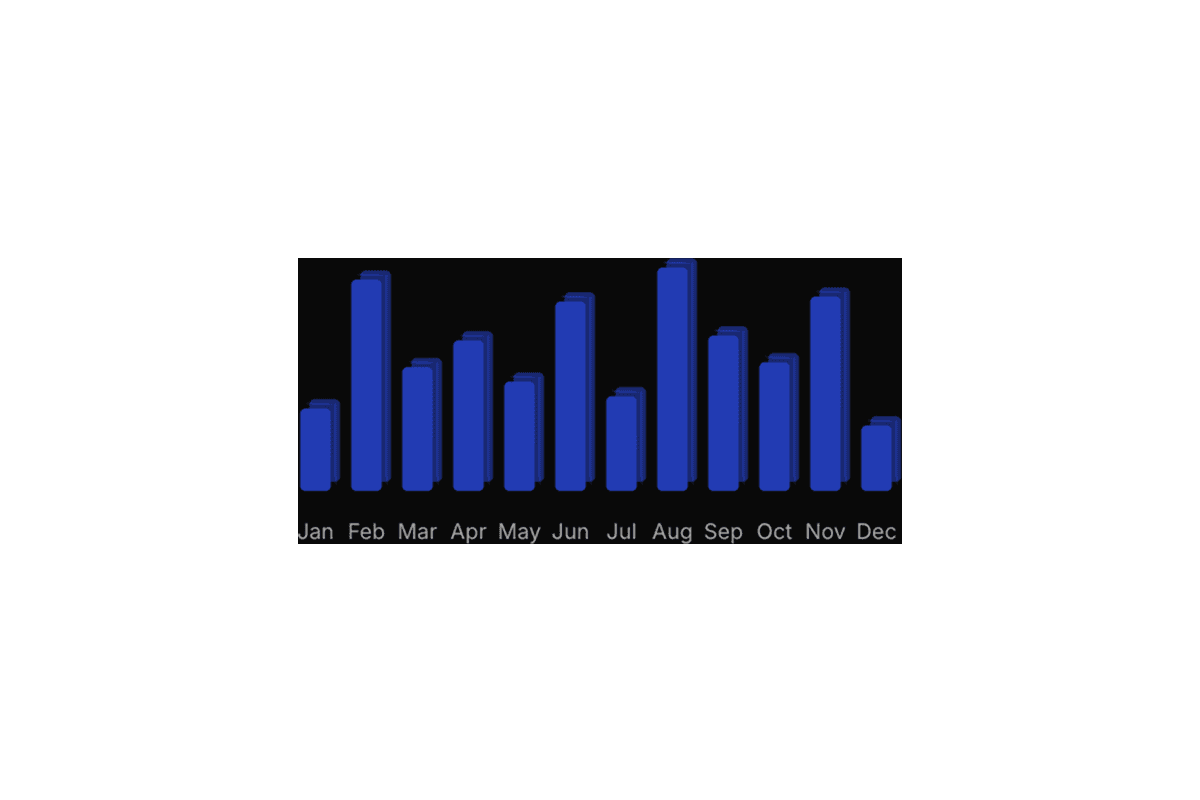
- Shadcn Chartrecharts and motion-powered bars, areas, pies, radars, and animated dashboard visuals.
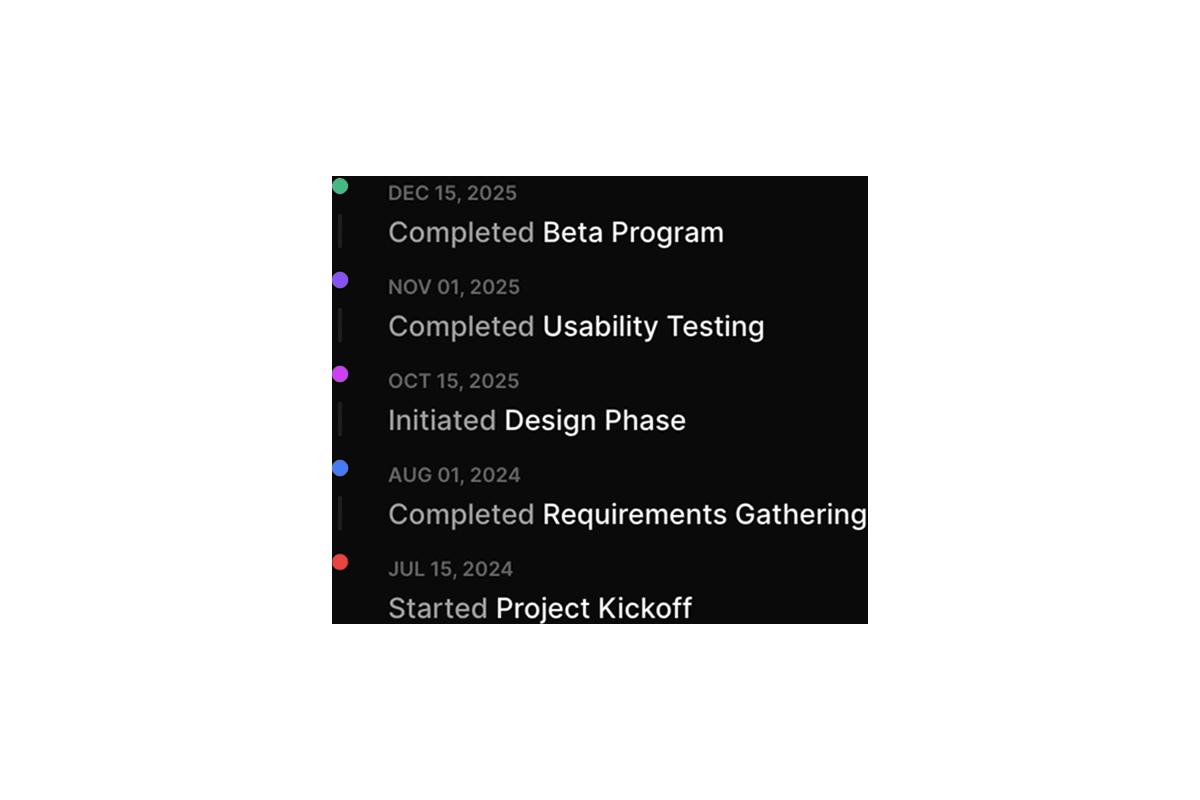
- Shadcn TimelineDeployment logs, activity feeds, milestones, and sequential event views in vertical and horizontal orientations.
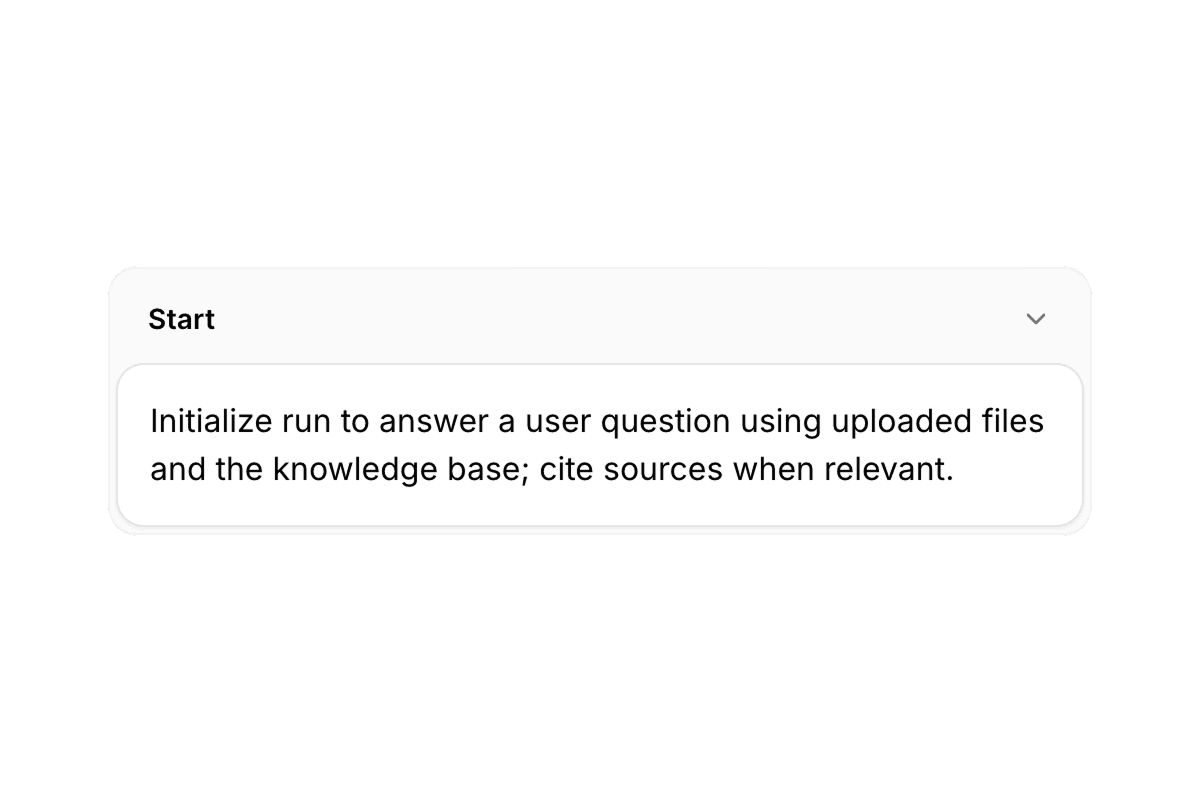
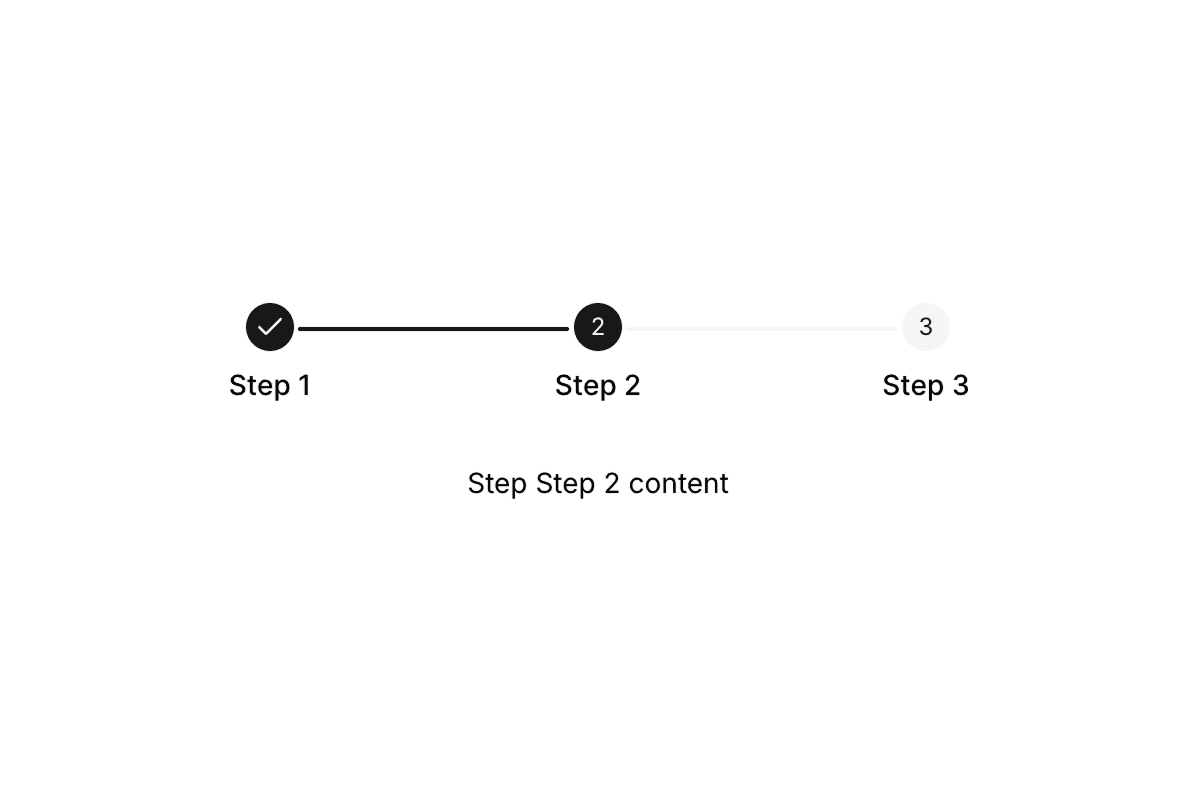
- Shadcn StepperMulti-step wizards and onboarding flows with per-step react-hook-form validation and progress indicators.
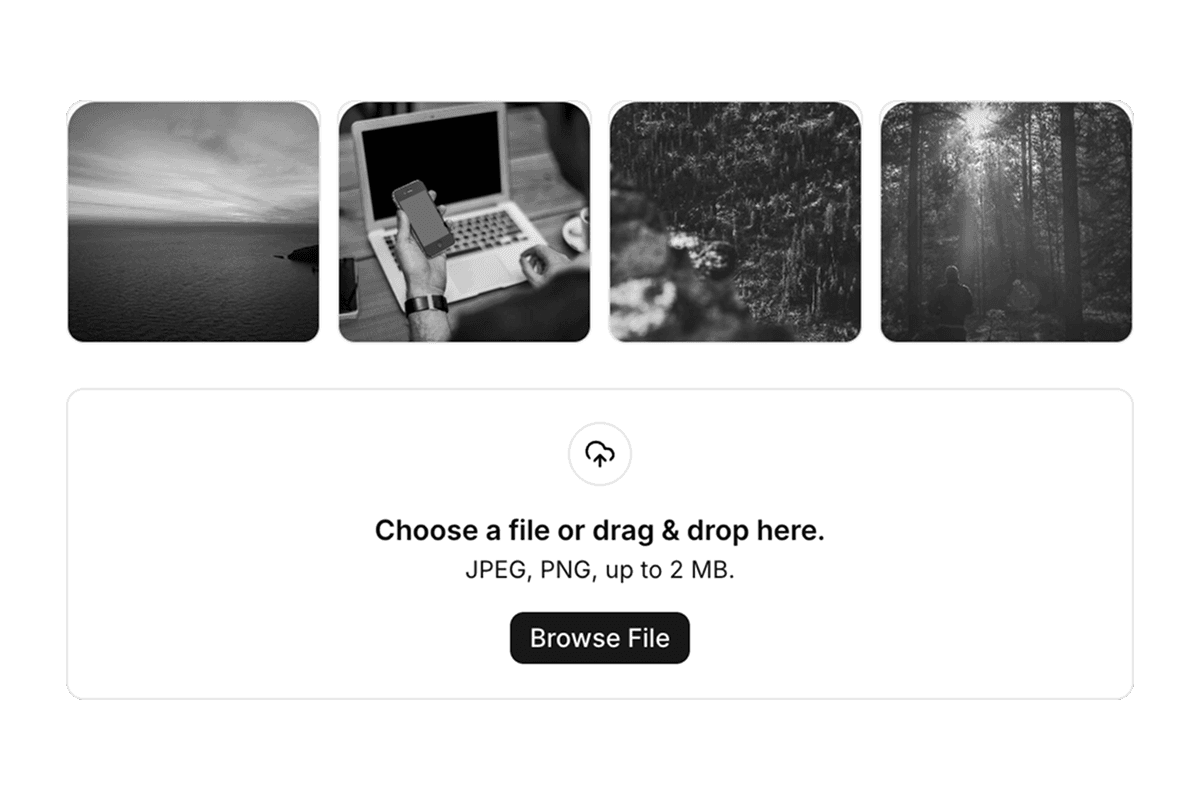
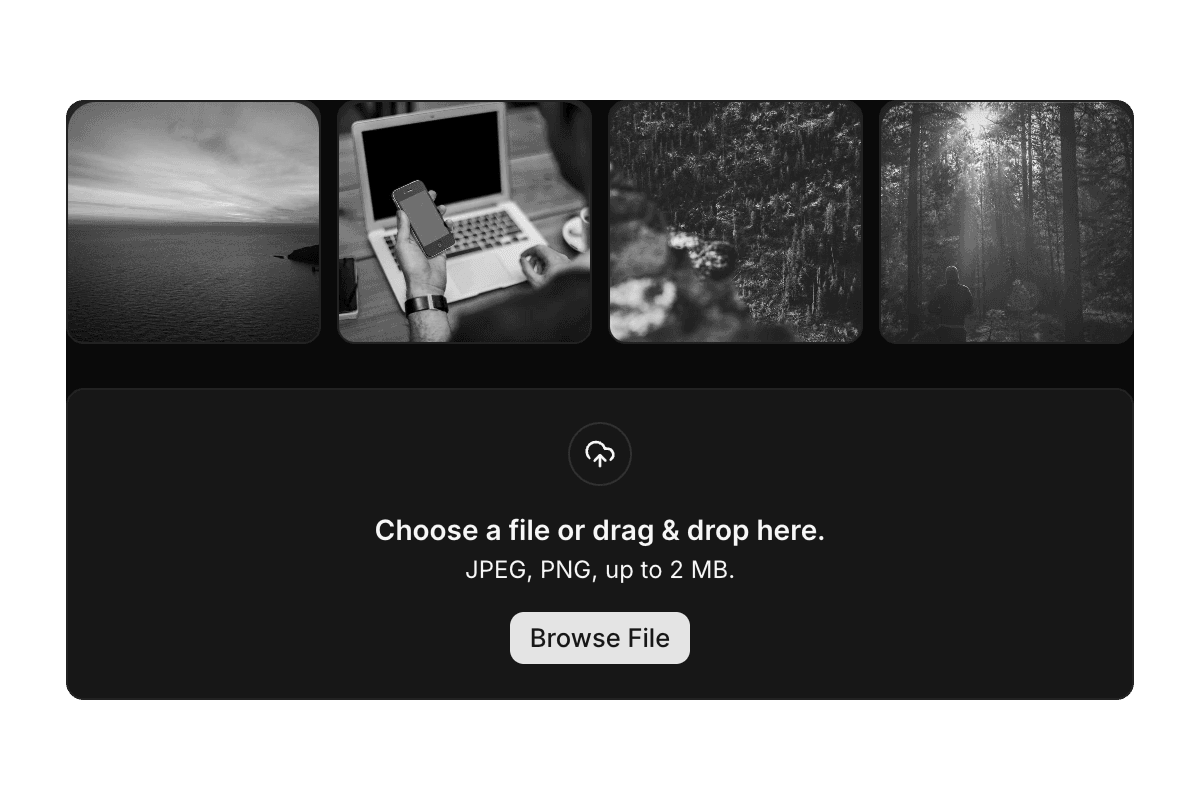
- Shadcn File UploadDropzones, image previews, multi-file flows, and zod-validated upload inputs.
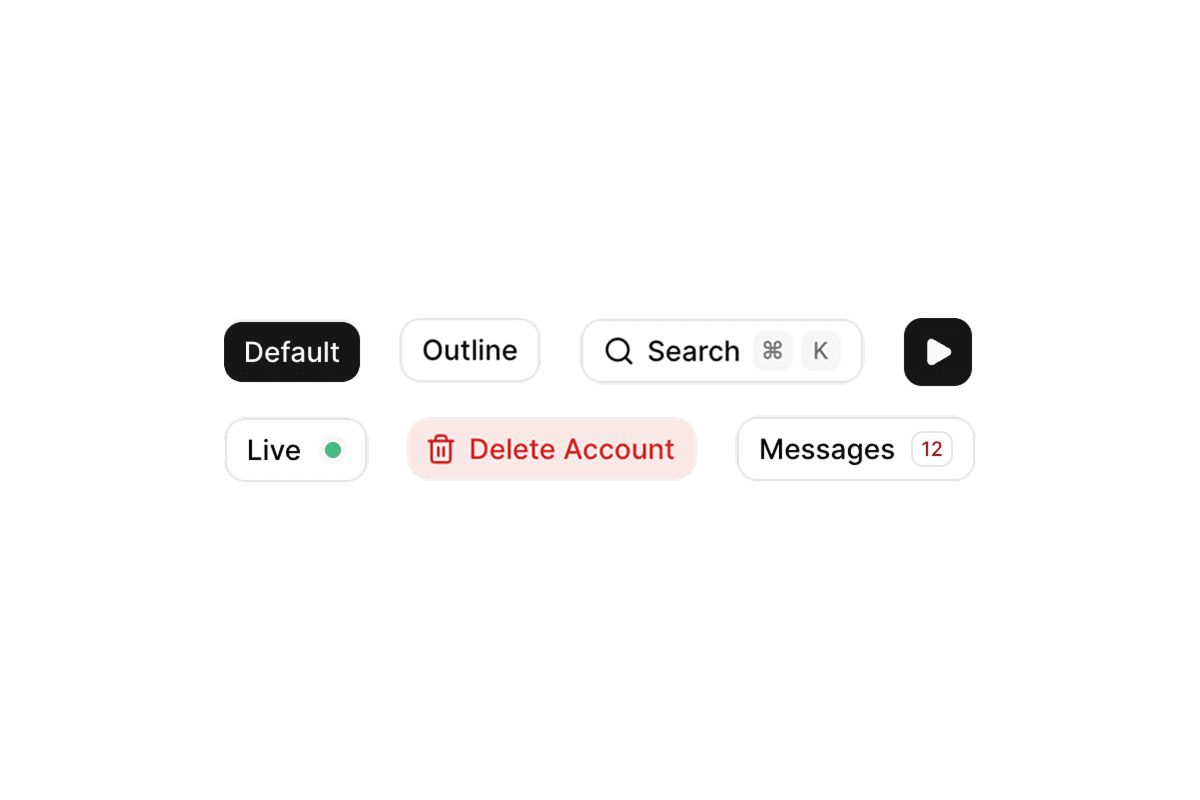
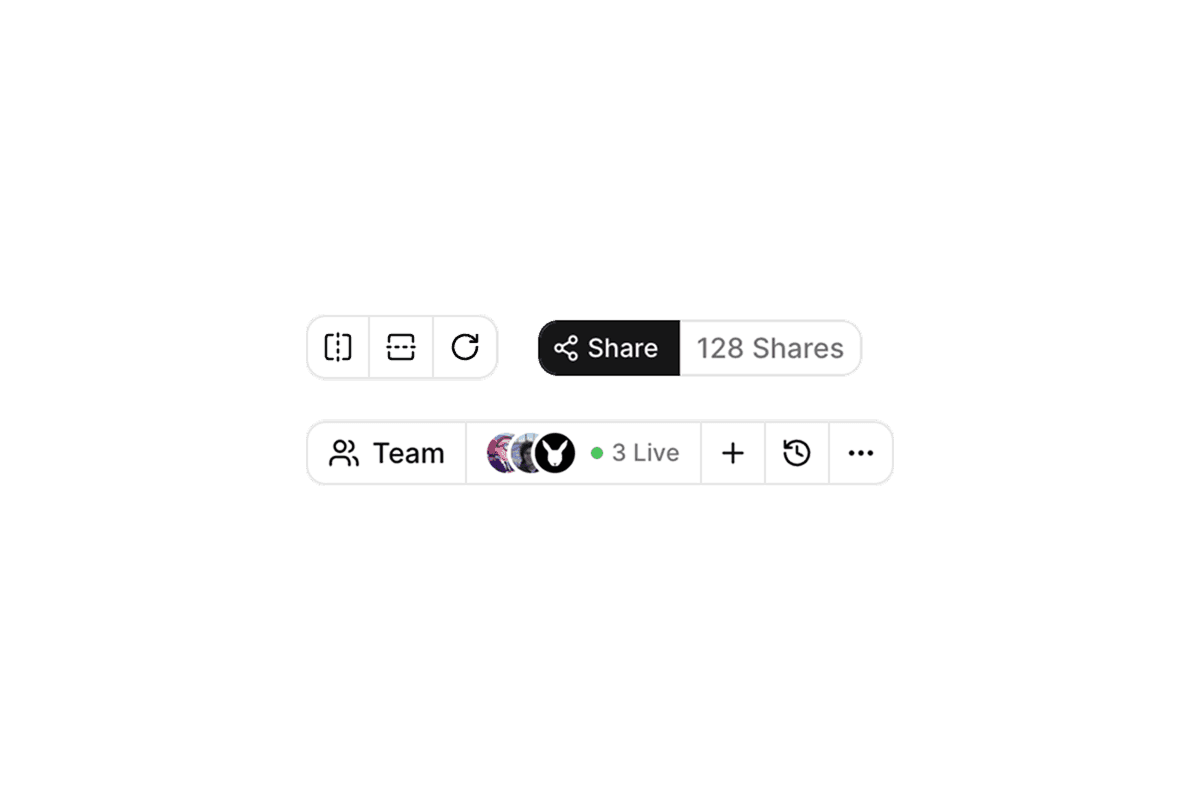
- Shadcn Button, Shadcn Button GroupPrimary actions, toolbars, loading states, and segmented controls: the largest component set in ReUI.
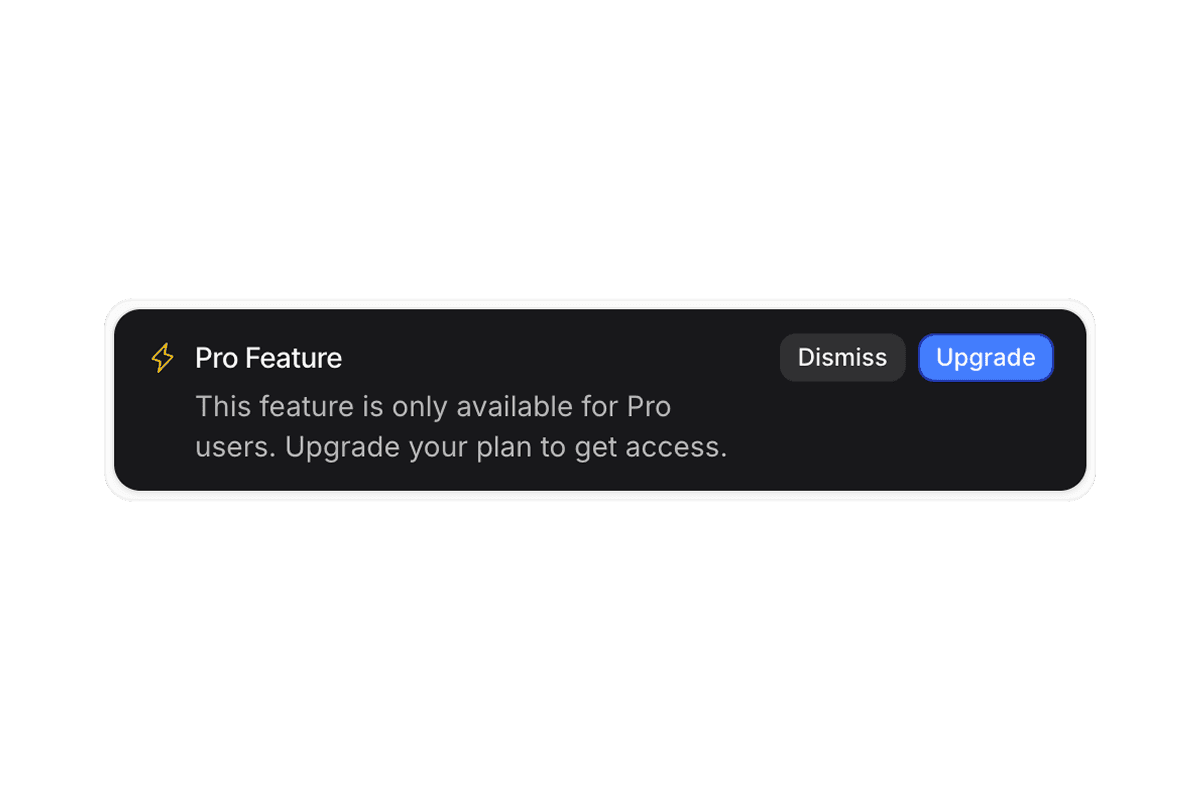
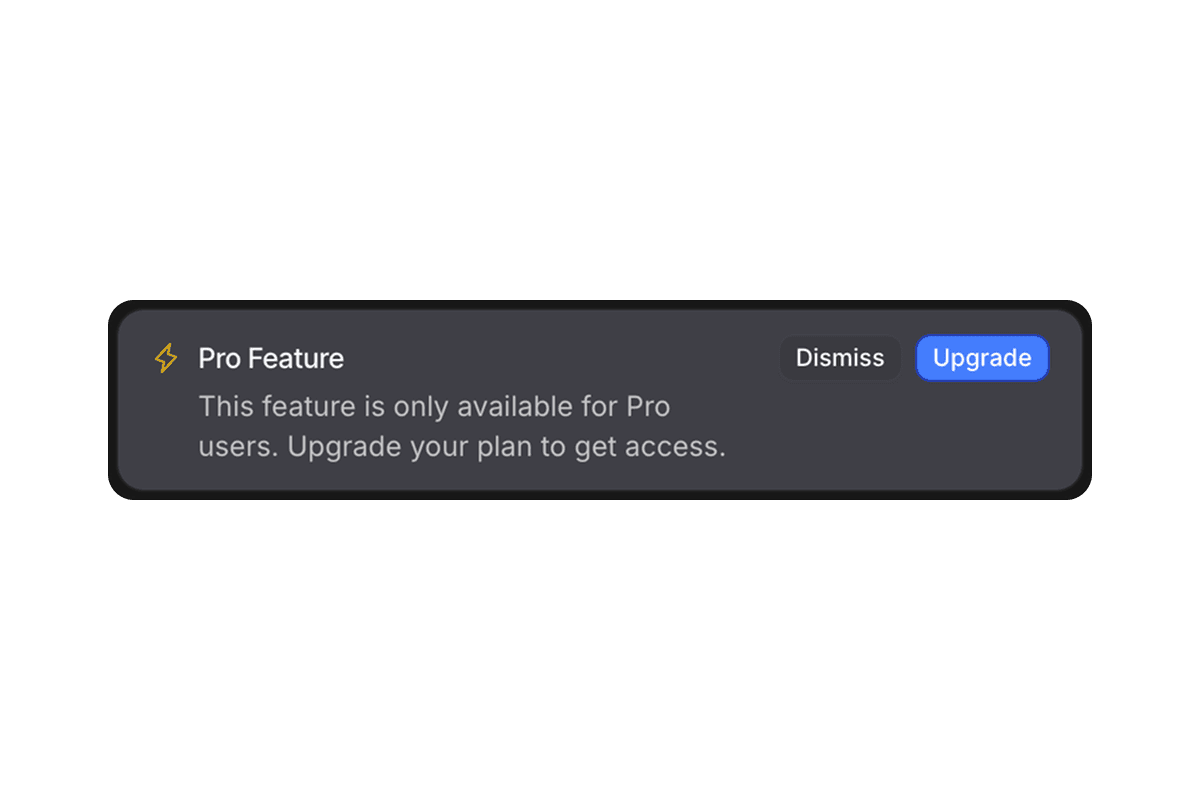
- Shadcn AlertStatus banners, validation summaries, and inline feedback for success, warning, and destructive states.
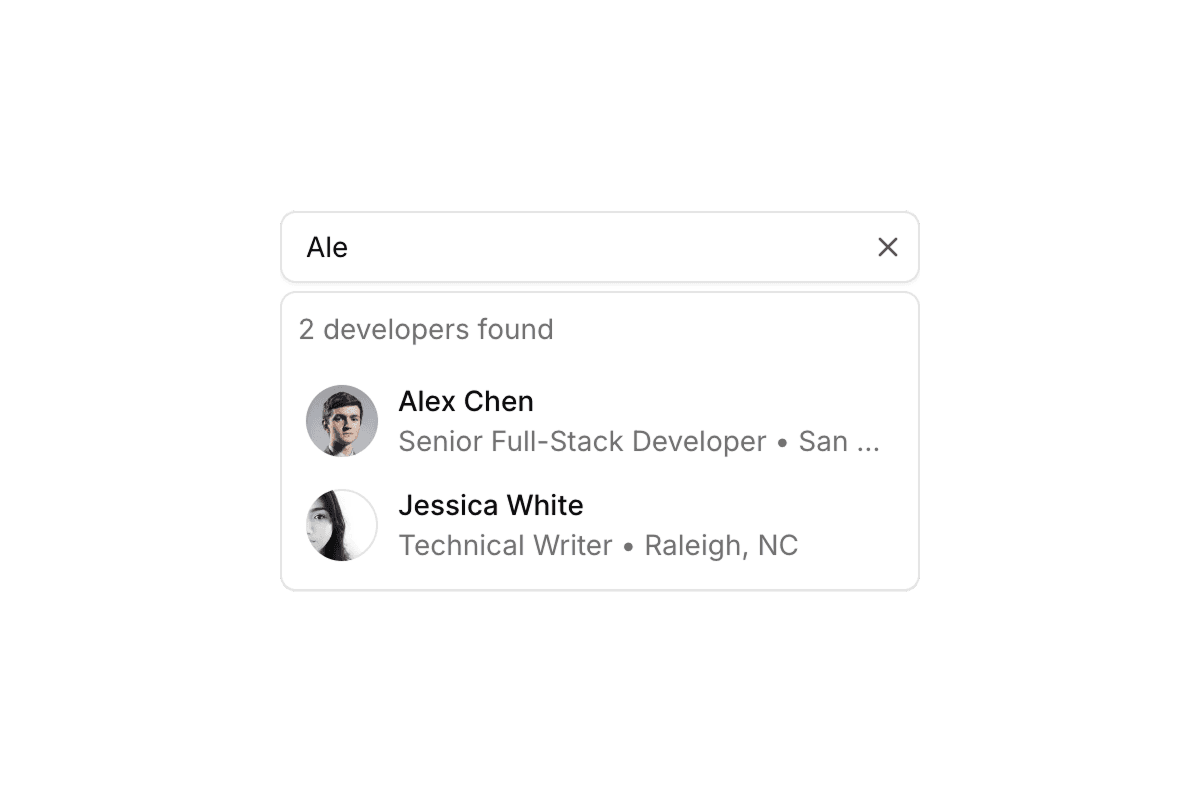
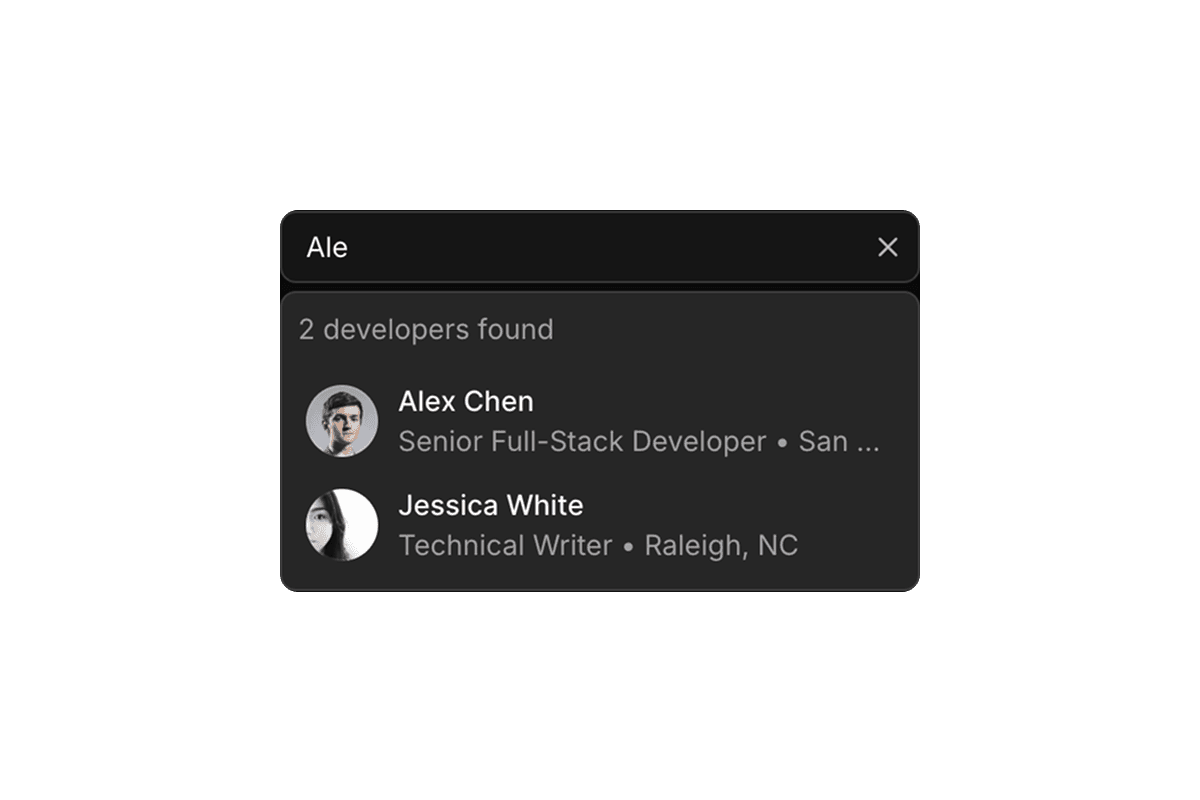
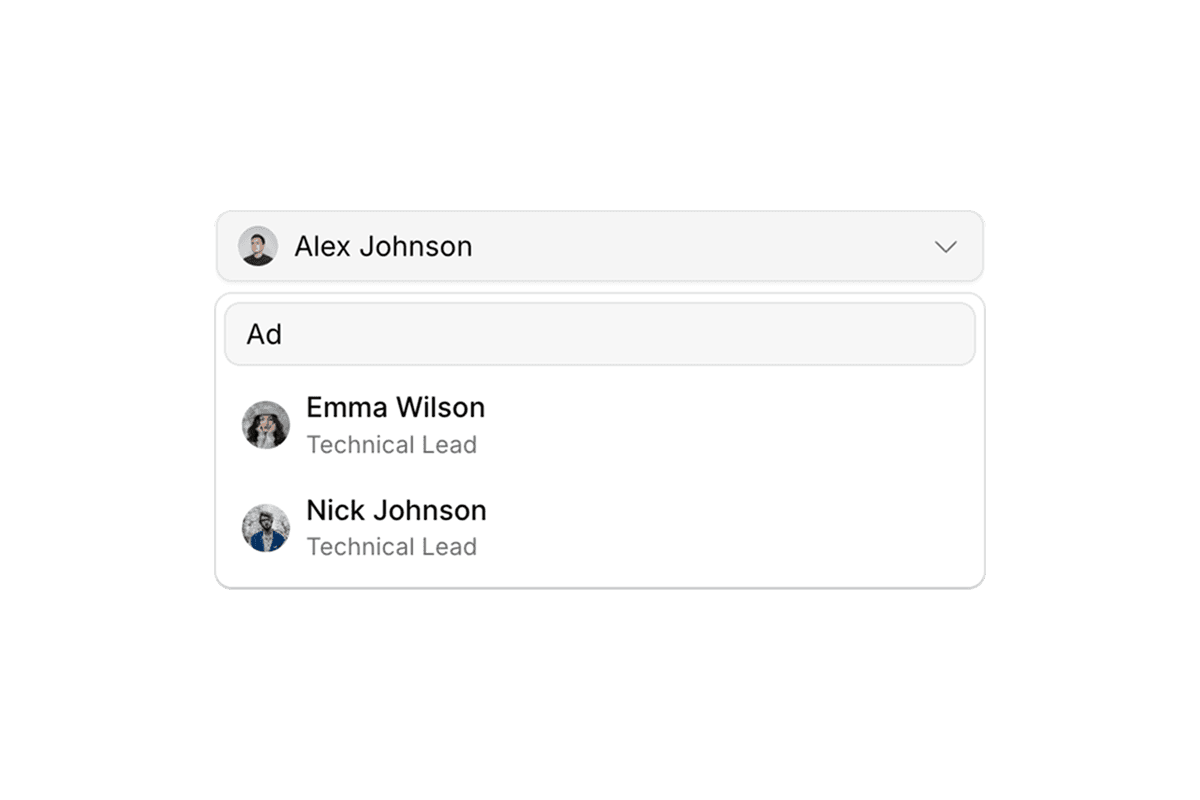
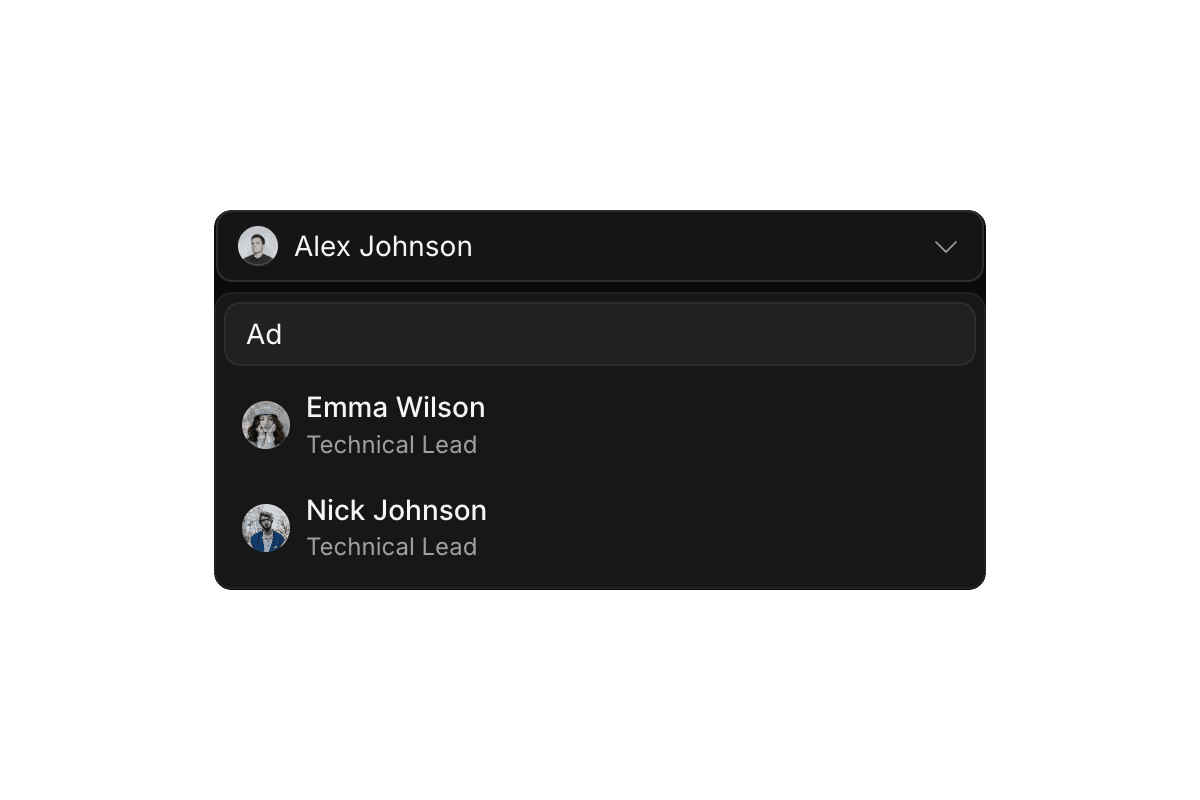
- Shadcn Combobox, Shadcn AutocompleteSearchable single and multi-select components with async filtering and keyboard navigation.
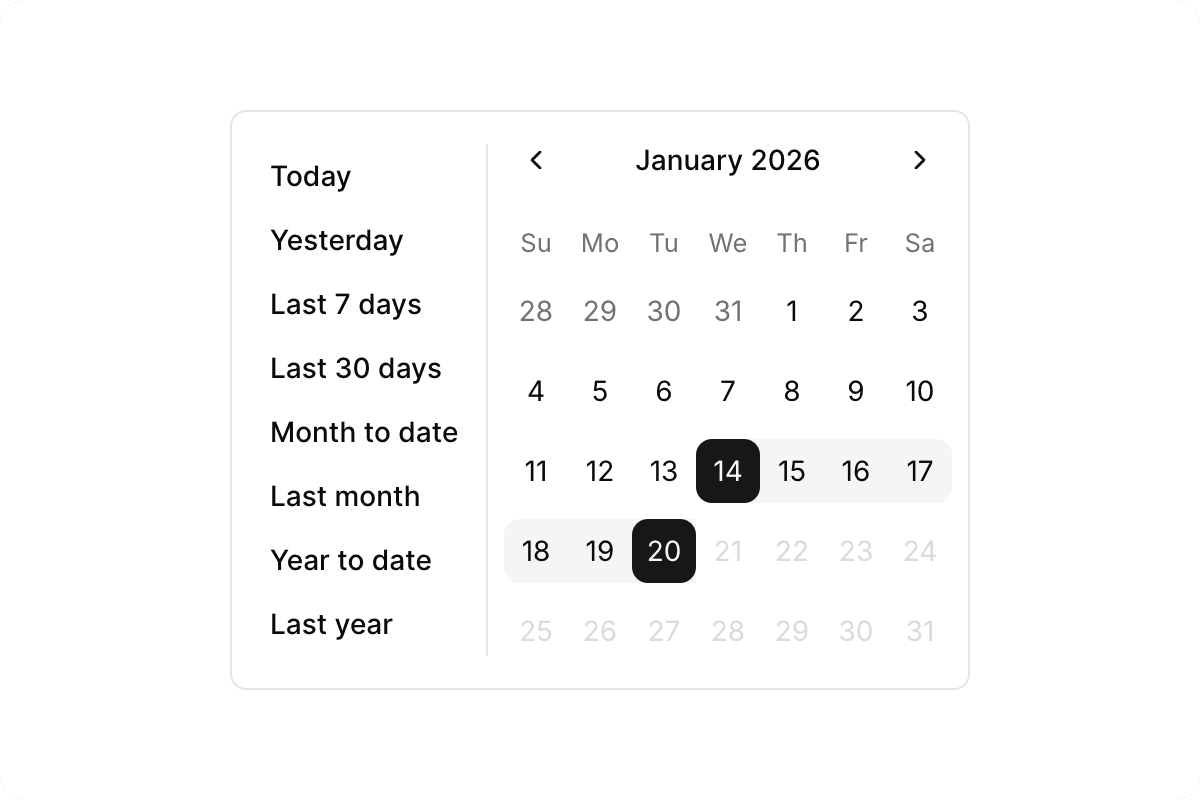
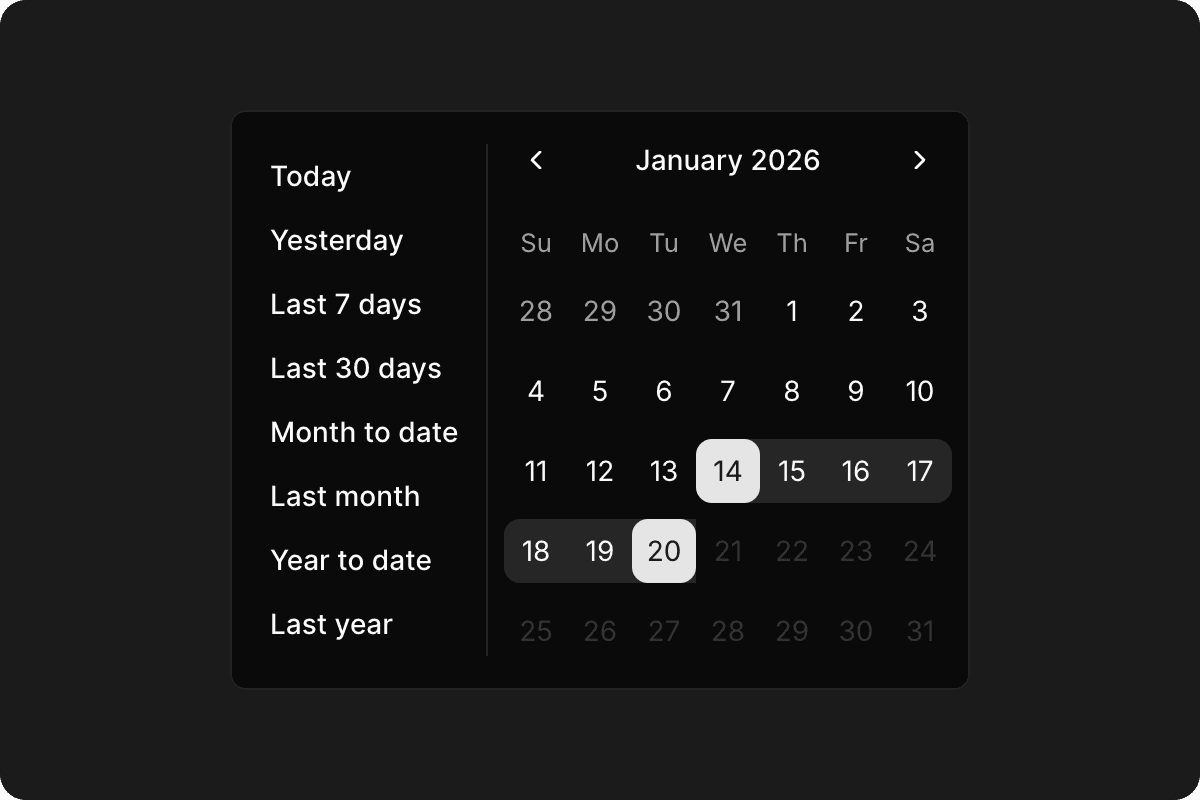
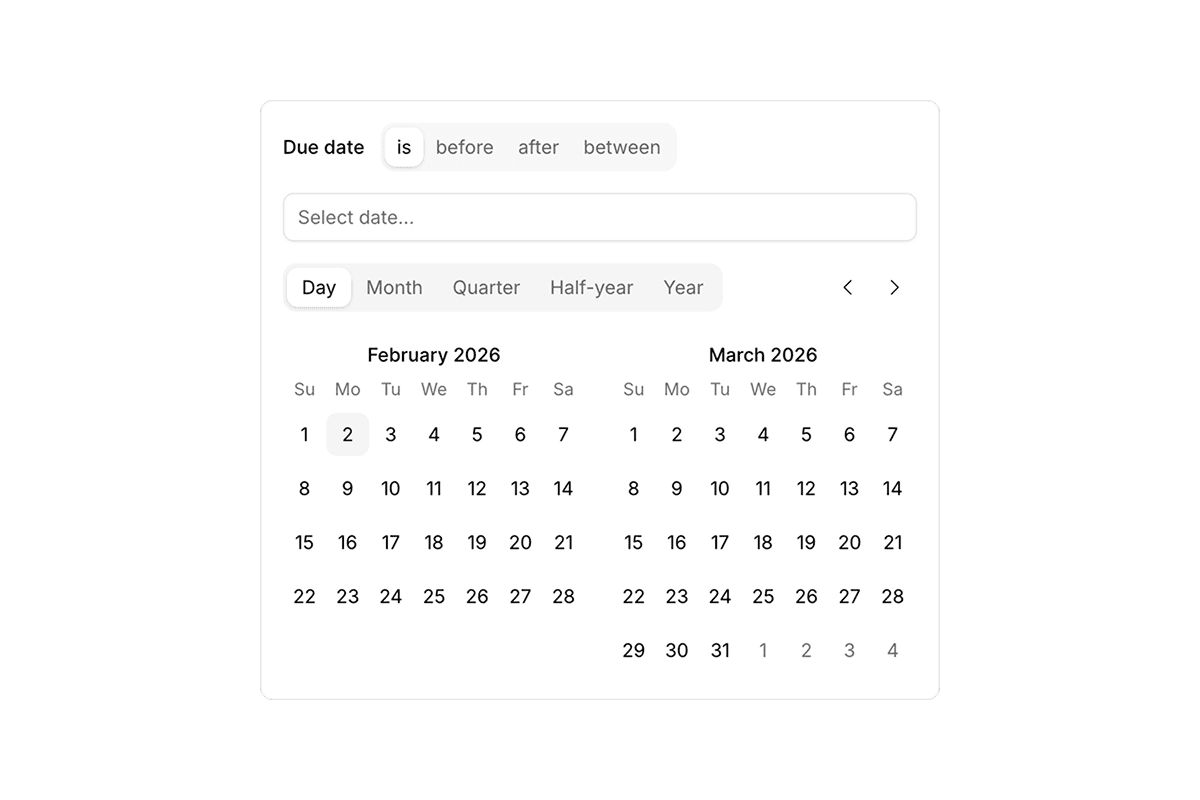
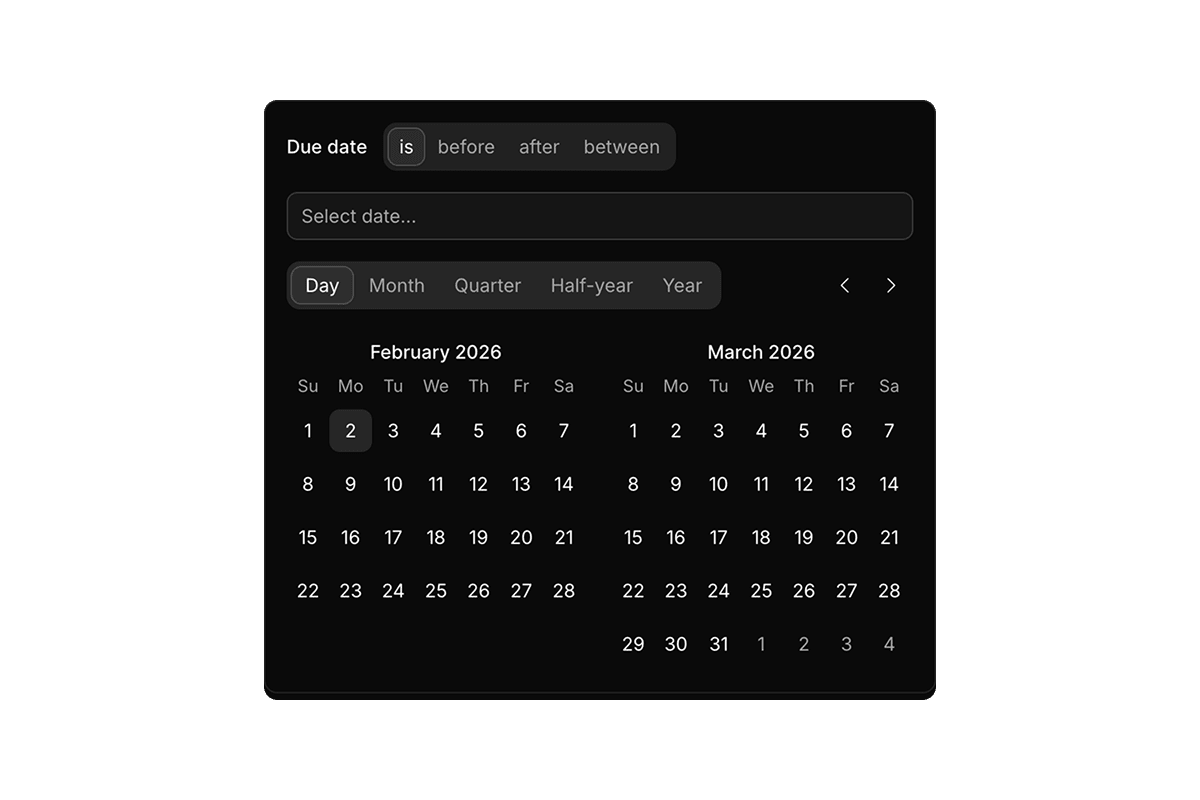
- Shadcn CalendarDate ranges, preset shortcuts, and react-day-picker-based localization.
- Shadcn TreeExpandable hierarchies and file-style navigation built on @headless-tree/react.
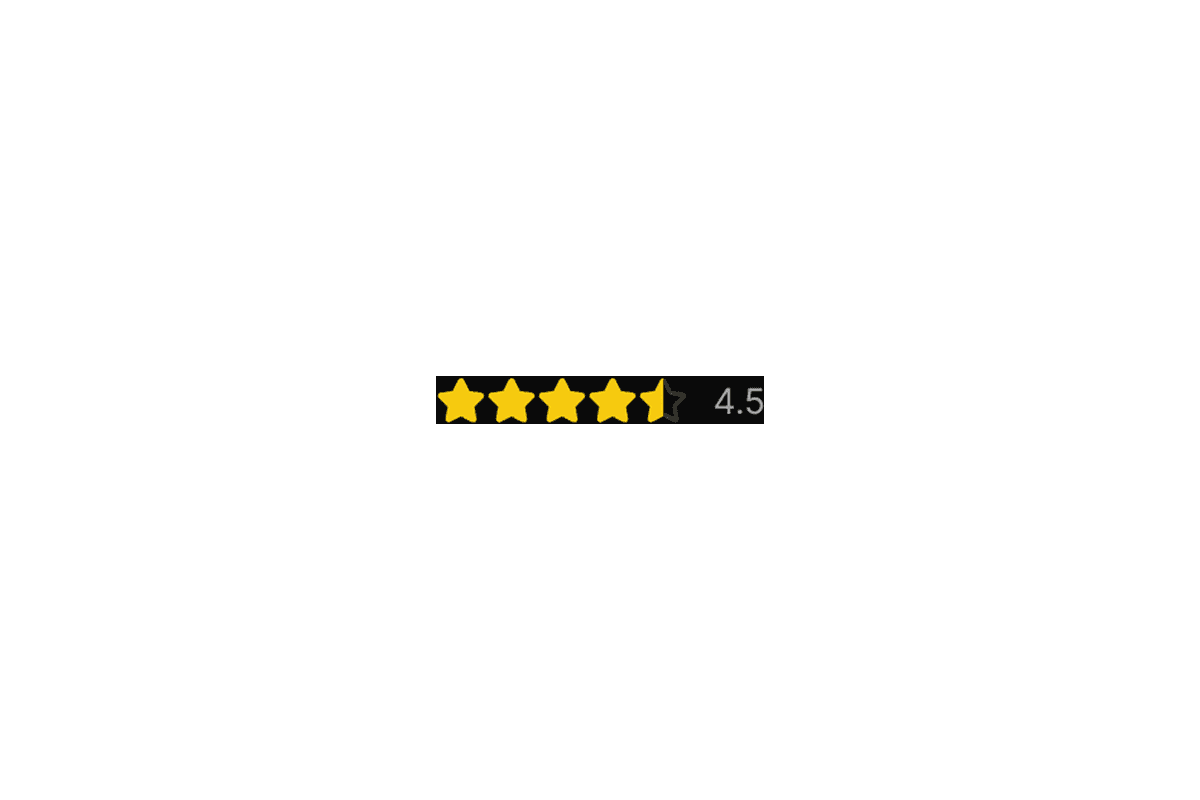
- Shadcn RatingStar and icon-based rating inputs with half-star, read-only, and custom icon support.
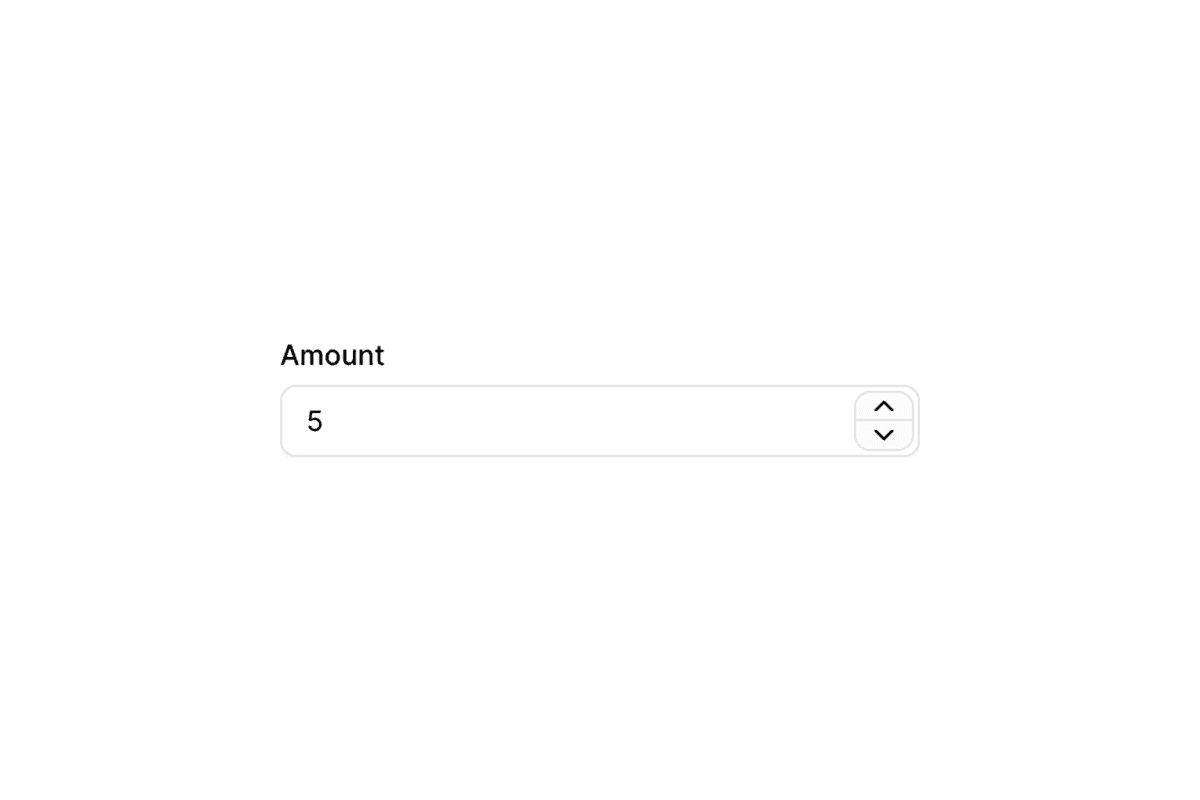
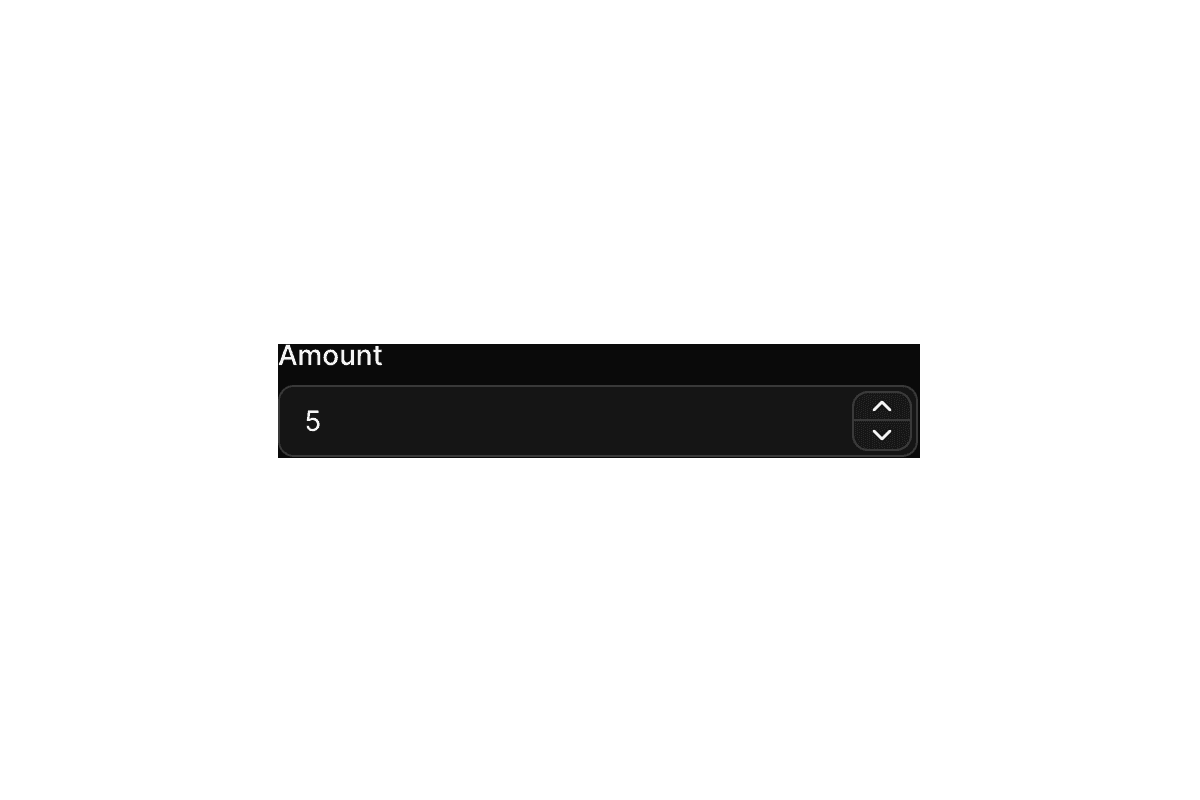
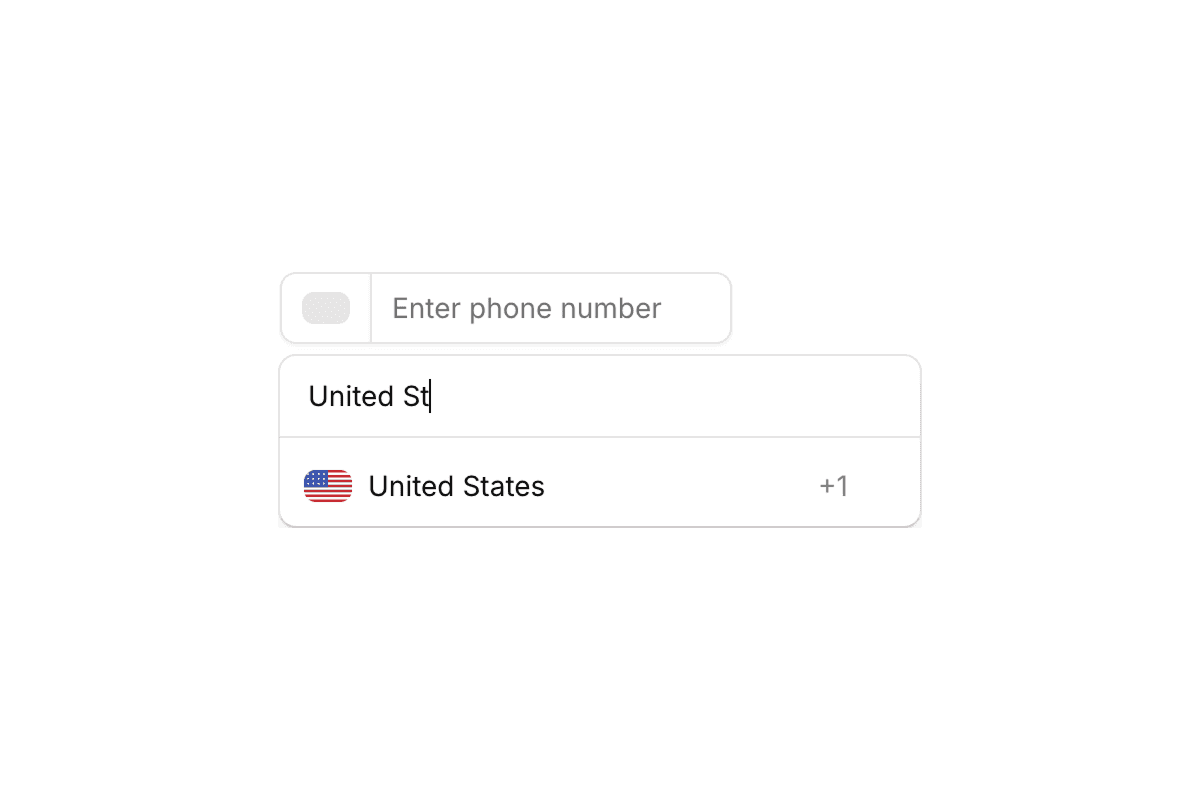
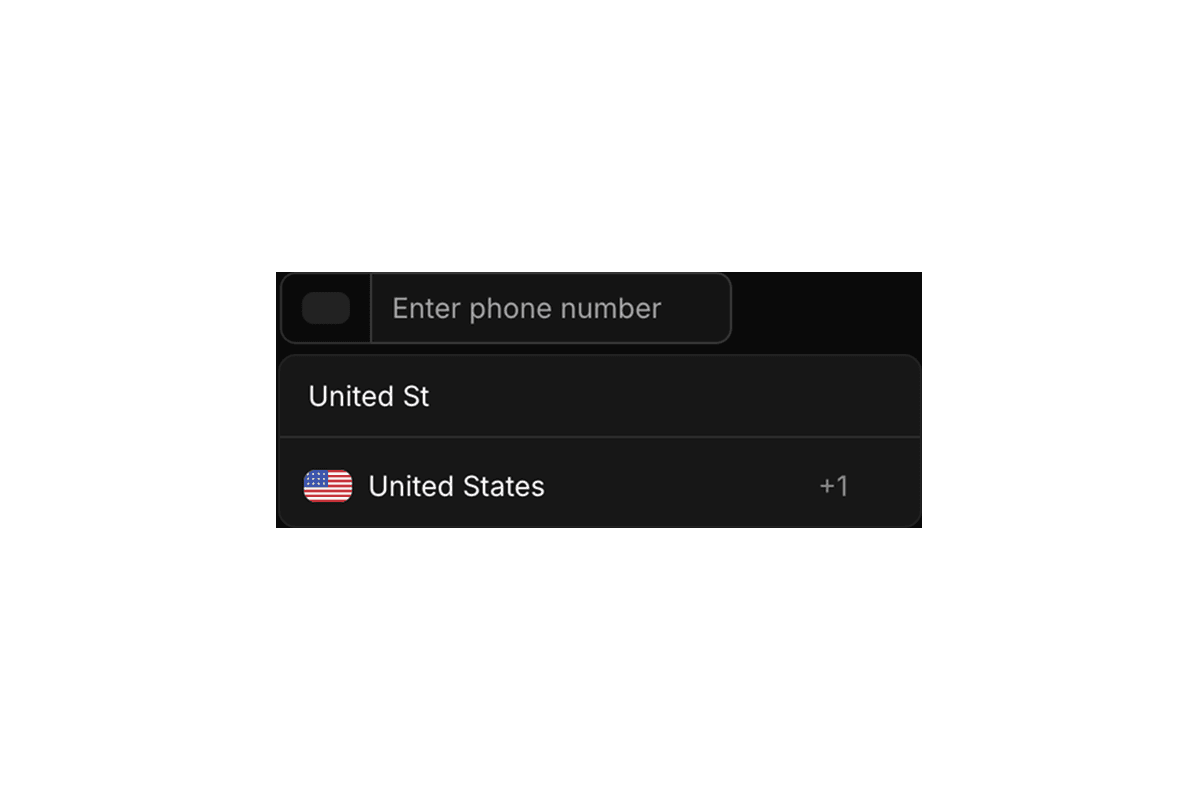
- Shadcn Input OTP, Shadcn Phone Input, Shadcn Number FieldVerification codes via input-otp, international numbers via react-phone-number-input, and numeric spinbuttons.
- Shadcn CarouselSliders, thumbnails, and media galleries powered by embla-carousel-react.
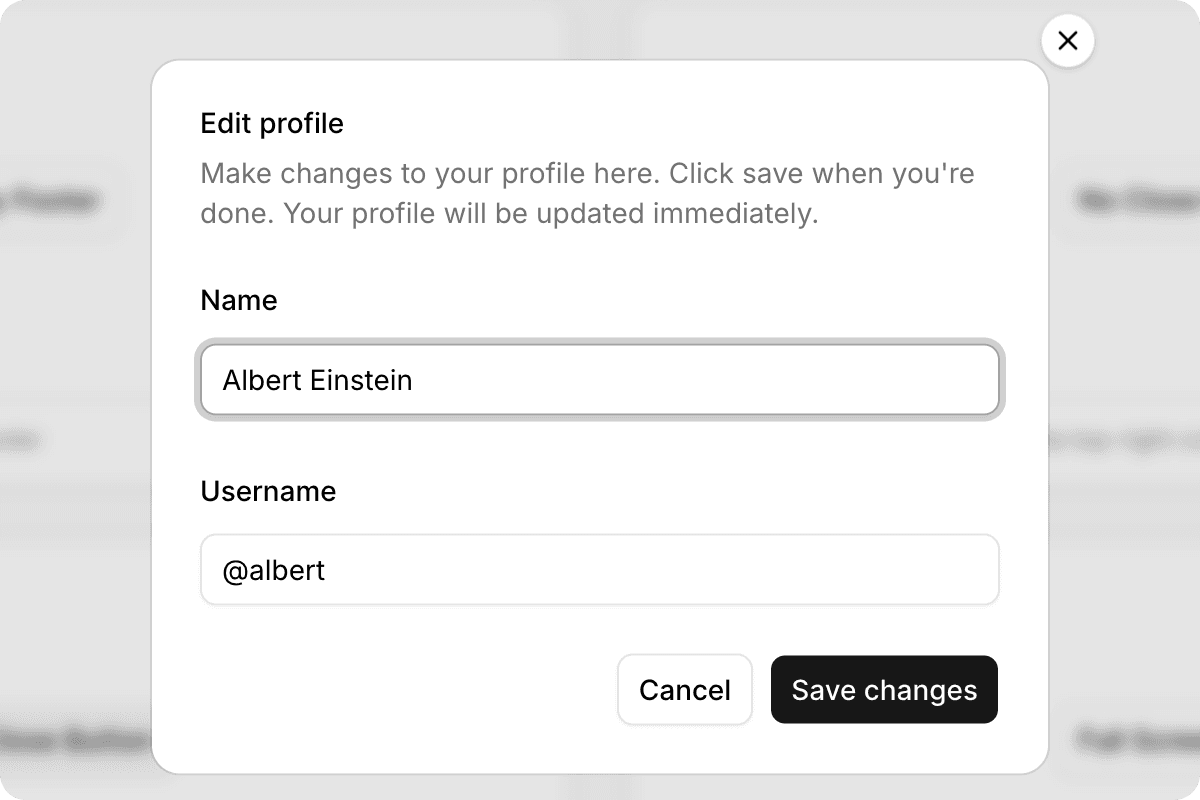
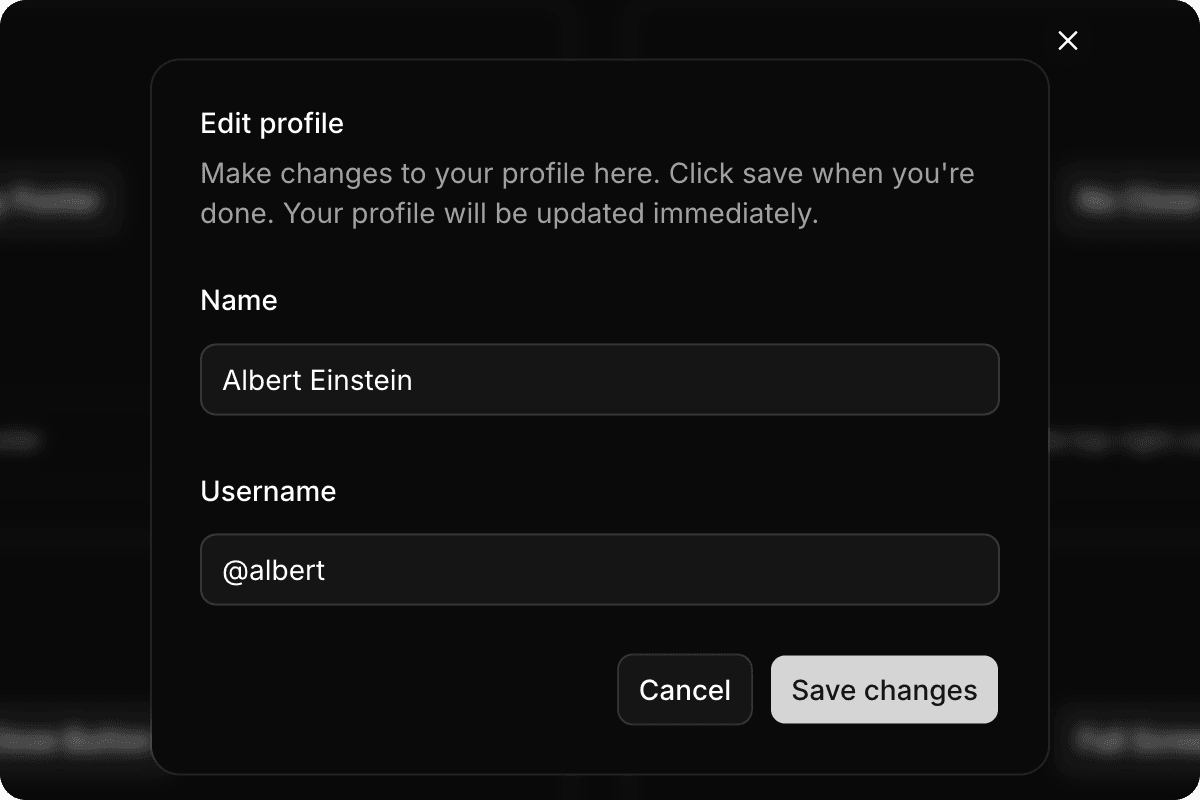
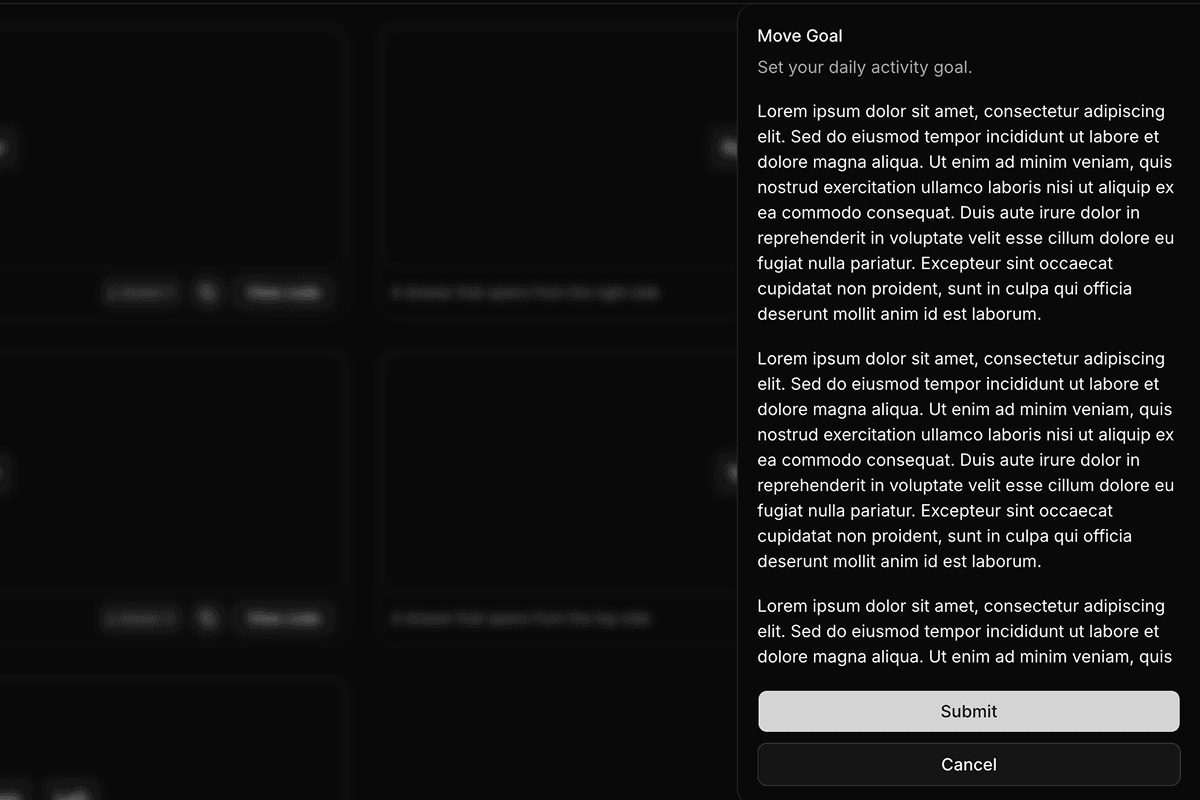
- Shadcn Dialog, Shadcn SelectModal overlays and single-select dropdown fields.
- Shadcn BadgeStatus labels, tags, and count chips: available as an in-house component with extended variants.
Shadcn Components vs. In-House Components
ReUI components fall into two categories. Standard shadcn/ui components such as Button, Dialog, and Table extend base shadcn/ui primitives with production-ready layouts you will not find in minimal docs demos. In-house components such as Data Grid, Kanban, and Filters are built and maintained by the ReUI team for dashboard-grade workflows not covered by base shadcn/ui.
All in-house components follow the shadcn copy-and-own installation model and ship in two API flavors: a Radix UI version for teams using Radix-based shadcn primitives, and a Base UI version for teams using @base-ui/react. Both versions share identical Tailwind CSS styling; only the underlying headless primitive differs. Each has dedicated documentation covering the full component API, prop references, and usage examples.
Shadcn Create Compatibility
All ReUI components are fully compatible with Shadcn Create. The five named themes (Vega, Nova, Maia, Lyra, and Mira) and the style controls for Radius, Font Family, Base Color, and Color Scale propagate to every component preview. The component source you copy uses the same CSS variable tokens, so what you see in the preview is exactly what you get in your project.
This applies to both standard and in-house components. In-house components like Data Grid and Kanban reference the same --radius, --background, --foreground, and --primary tokens that Shadcn Create writes to your globals.css.
Radix UI and Base UI Compatibility
ReUI supports both major headless stacks in the React ecosystem. Standard shadcn/ui components follow Radix UI primitives. In-house components that need headless state are offered in both Radix UI and Base UI API versions via @base-ui/react, with the same Tailwind styling and layout expectations.
Teams migrating from Radix UI to Base UI, or starting a new project with Base UI, can use the Base UI variants without redoing your theme or markup. In-house component documentation at ReUI Docs explains both API options with prop references and usage examples.